How to set up and manage security questions in WHMCS
To set up and manage security questions in WHMCS, follow these steps: Step 1: Log into WHMCS Admin Area Access...

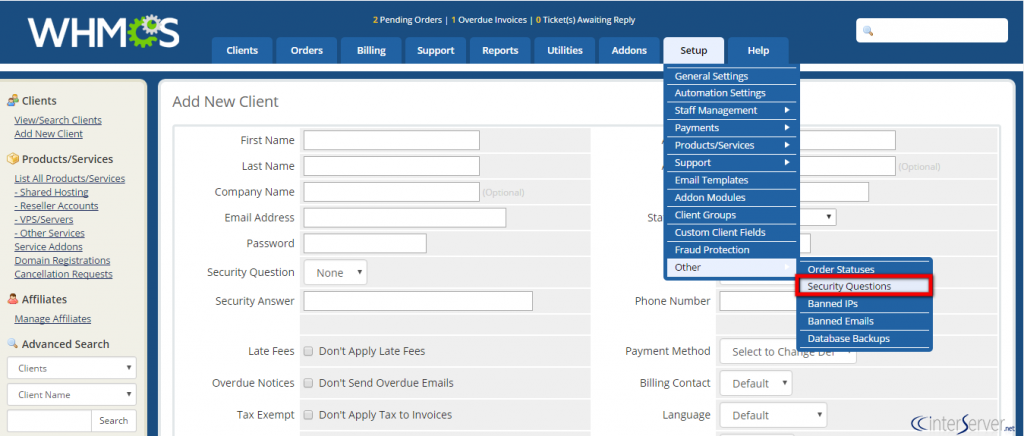
To set up and manage security questions in WHMCS, follow these steps: Step 1: Log into WHMCS Admin Area Access...
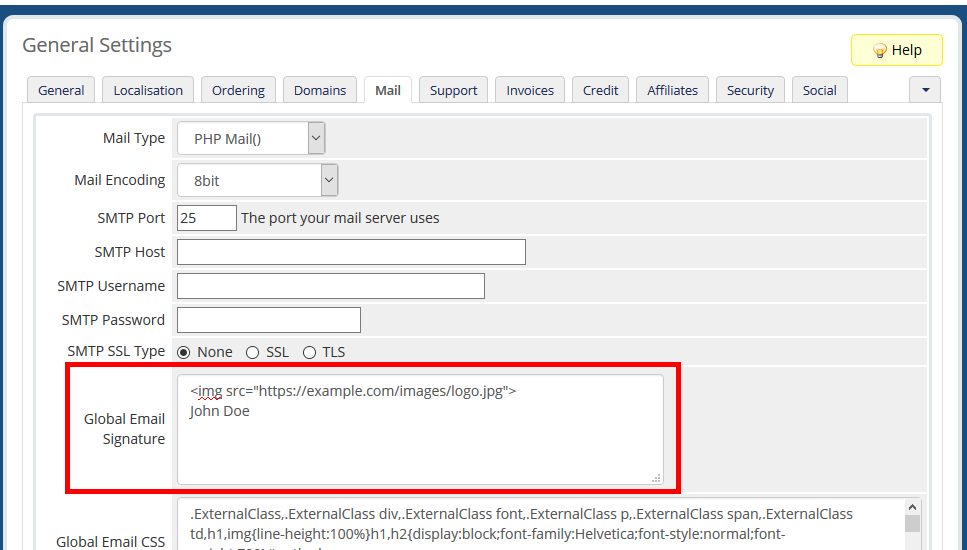
To add a custom email signature in WHMCS, follow these steps: Log in to your WHMCS Admin Panel: Start by...
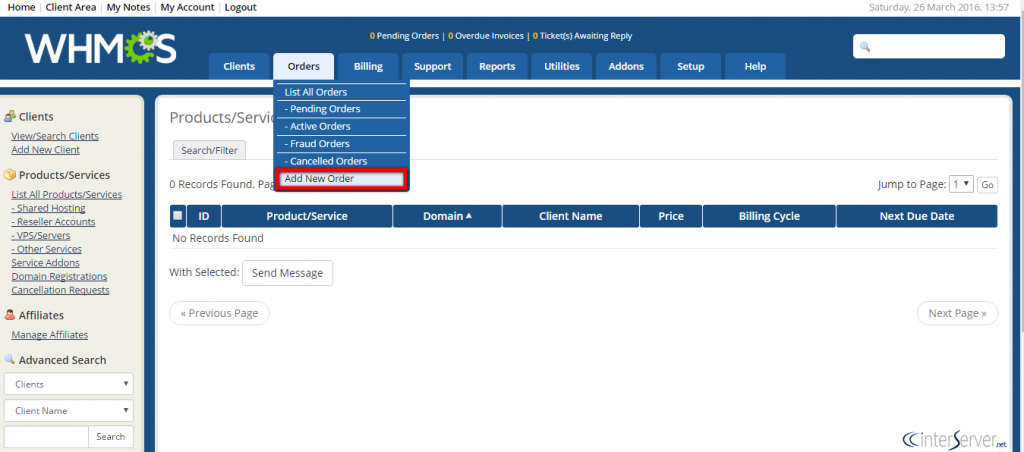
To place an order for a client in WHMCS, follow these steps: Log in to WHMCS Admin Panel: Use your...
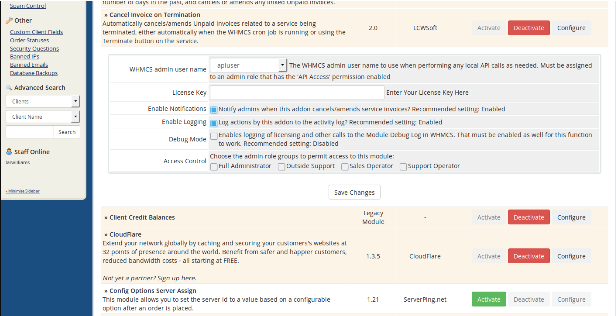
To cancel an invoice in WHMCS, follow these steps: Log in to WHMCS Admin Panel: Use your admin credentials to...
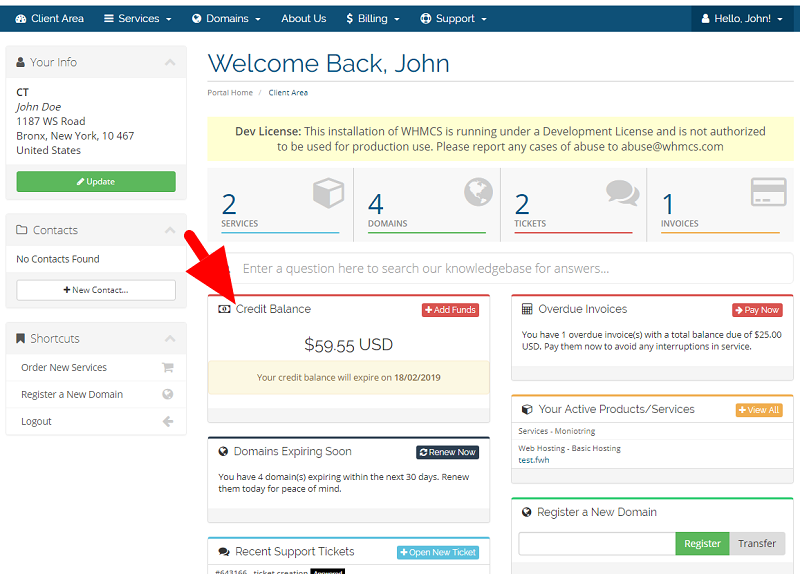
To add credit to a client's wallet in WHMCS, follow these steps: Log into the WHMCS Admin Area. Go to...
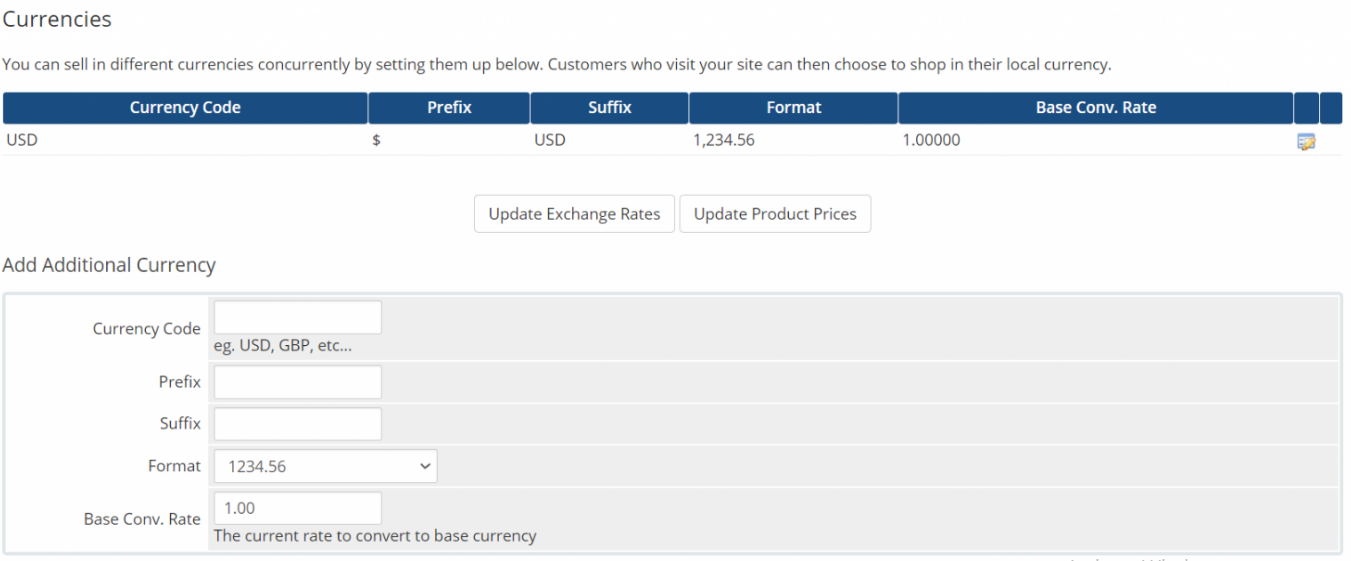
To change the default currency for a specific client in WHMCS, follow these steps: Log into the WHMCS Admin Area....
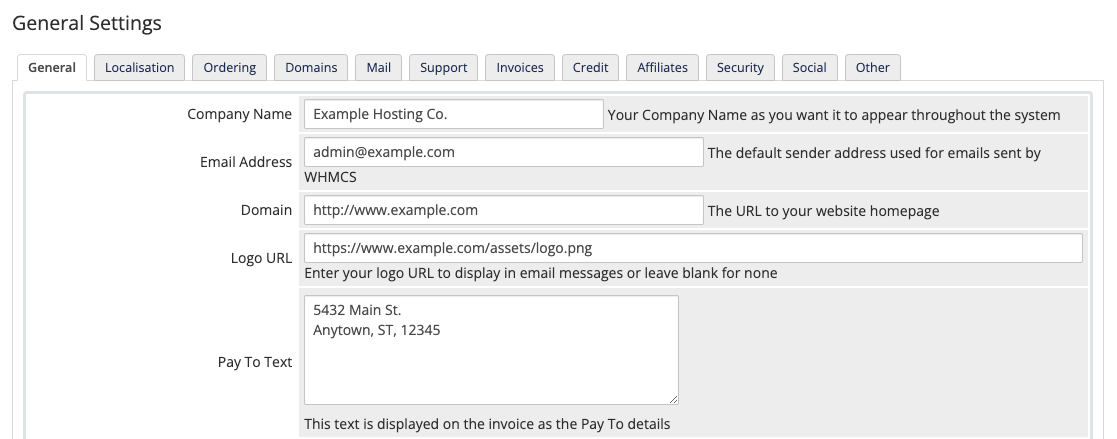
To configure the general settings in WHMCS, follow these steps: Log into the WHMCS Admin Area. Go to System Settings...
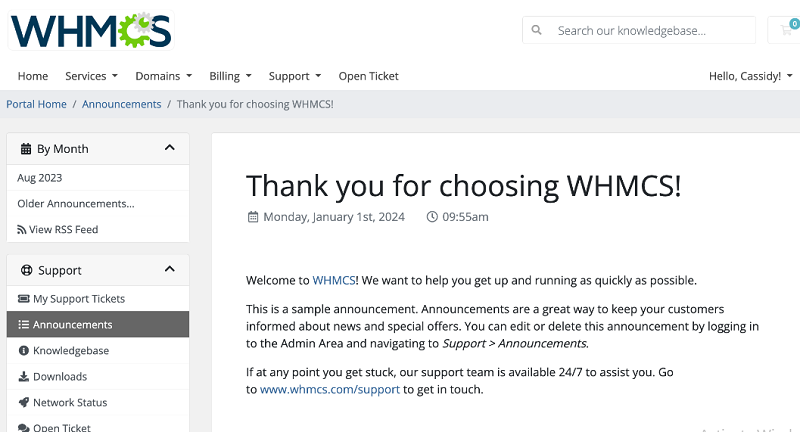
To add new announcements in WHMCS, follow these steps: Log into the WHMCS Admin Area. Go to Support > Announcements...
In the ever-evolving realm of web design and development, WordPress emerges as a prominent and user-friendly platform, empowering millions of...